Freedom Index Knowledge Base
How to Print on Brave
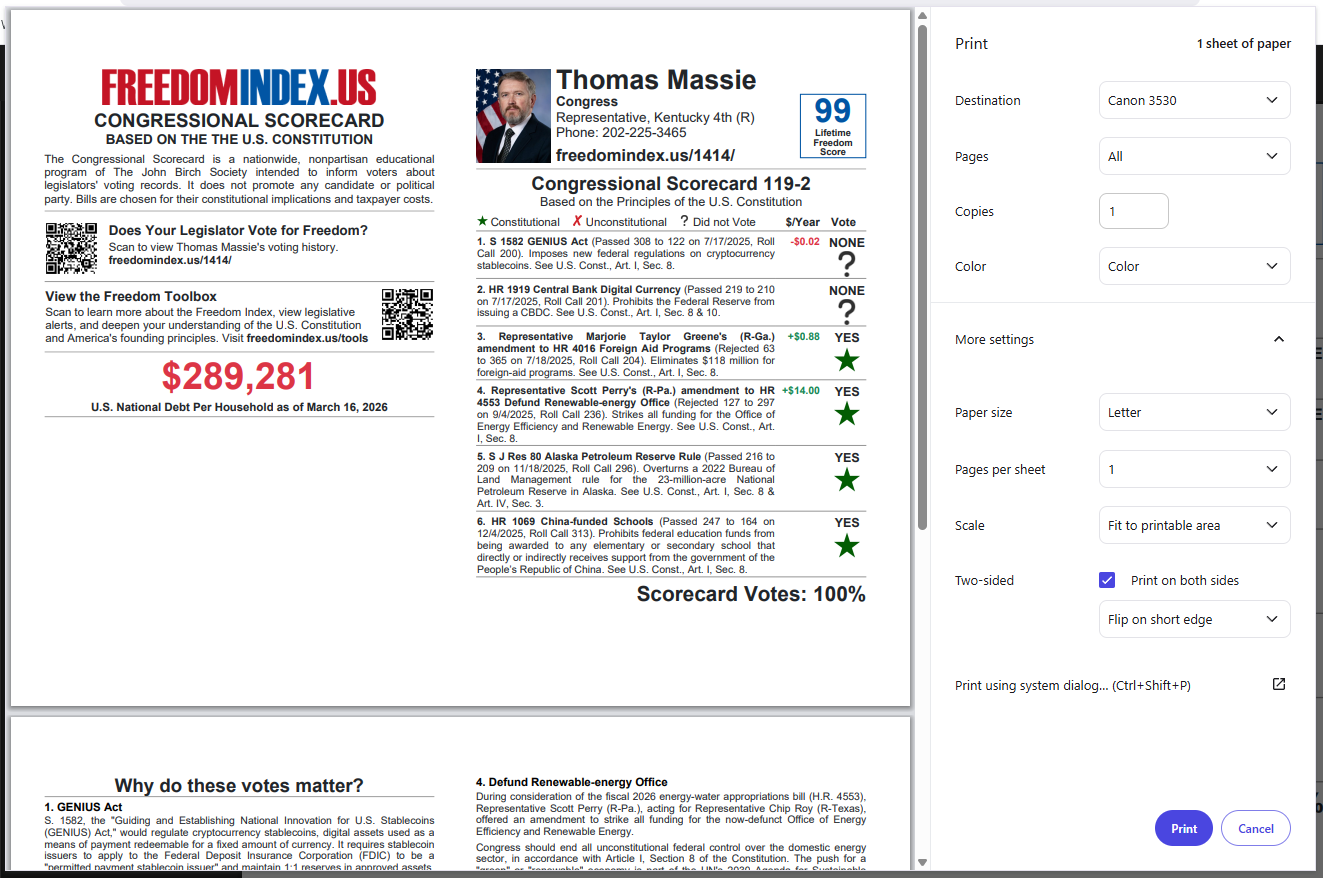
Follow these directions to print the Scorecards properly using Brave:
- Check if your printer is connected (at “Destination”).
- Set “Paper size” to “Letter.”
- Set “Scale” to “Fit to printable area.”
- Set “Two-sided” to “Print on both sides.”
- Select “Flip on short edge.”